
Browse and Cull
Arrange the workspace, inspect stacks and bursts, compare candidates, and review audio/video.
Basic beta example
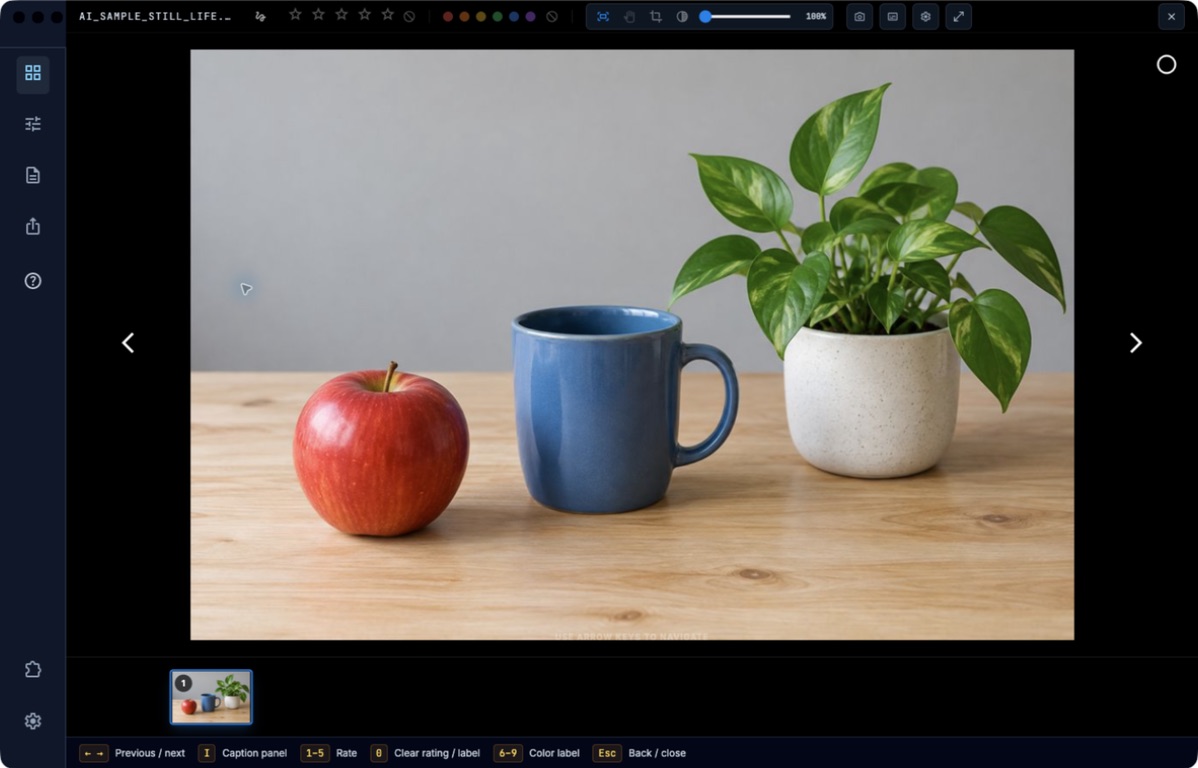
Open a photograph in the carousel to inspect it and use the rating, label and navigation controls. The displayed still life is AI-generated.
Choose a task
- Arrange the workspace, views, and preferences
- Rate, filter, and compare photographs
- Review RAW/JPEG stacks, bursts, and camera tags
- Play voice memos, transcribe audio, and review clips
Before you begin
Start with the matching task page and check its prerequisites. Use local practice copies while learning actions that write metadata or create files. Optional-plugin and service guides identify their requirements; a guide does not enable a tool missing from your build.
Check your result
Follow the page’s verification steps before moving on. A local save, an exported file, a synchronized folder, and a received submission are different results. If the task does not match your screen, check the app version and edition, then consult Troubleshooting.
Return to all guide sections.