
Crop and Tone
Choose the correct editing profile, frame the image, and make permitted global or local adjustments.
Basic beta example
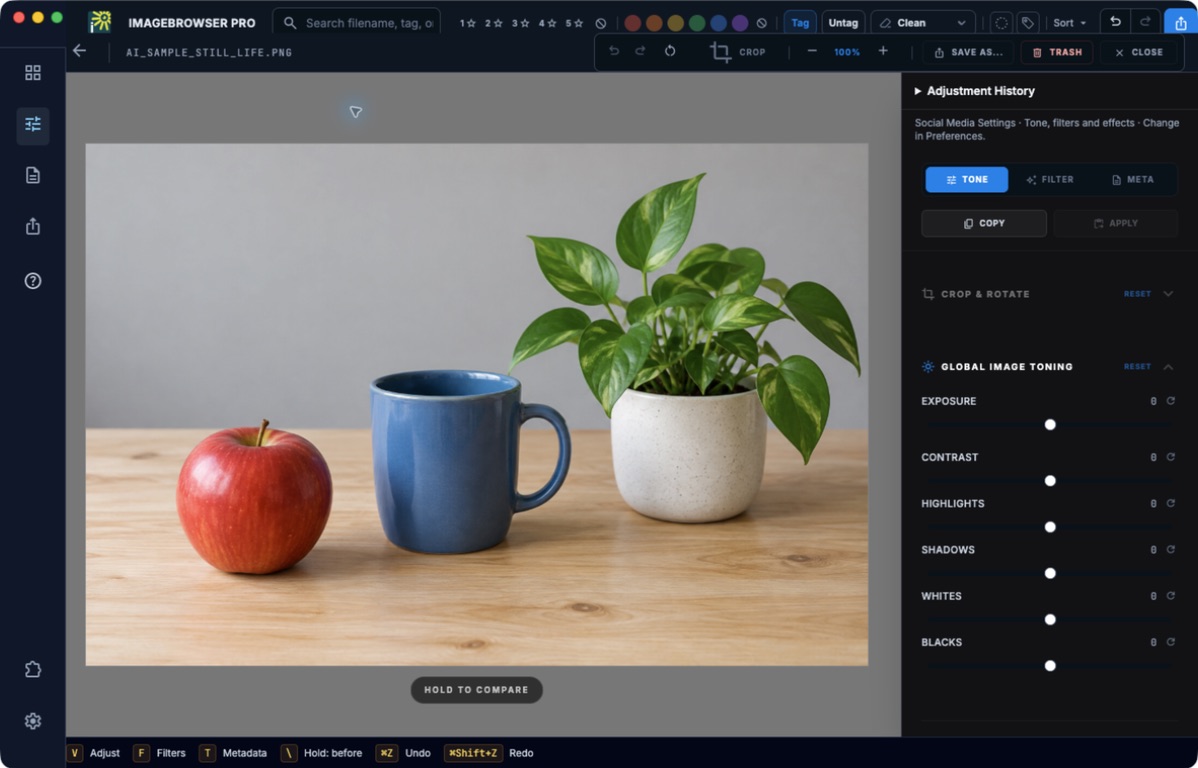
Open Tone to adjust the image, compare the result, and use Save As for an exported copy. The example image is AI-generated.
Choose a task
Before you begin
Start with the matching task page and check its prerequisites. Use local practice copies while learning actions that write metadata or create files. Optional-plugin and service guides identify their requirements; a guide does not enable a tool missing from your build.
Check your result
Follow the page’s verification steps before moving on. A local save, an exported file, a synchronized folder, and a received submission are different results. If the task does not match your screen, check the app version and edition, then consult Troubleshooting.
Return to all guide sections.